
System 01 · Levels & planning
Structure that explains its own plan.
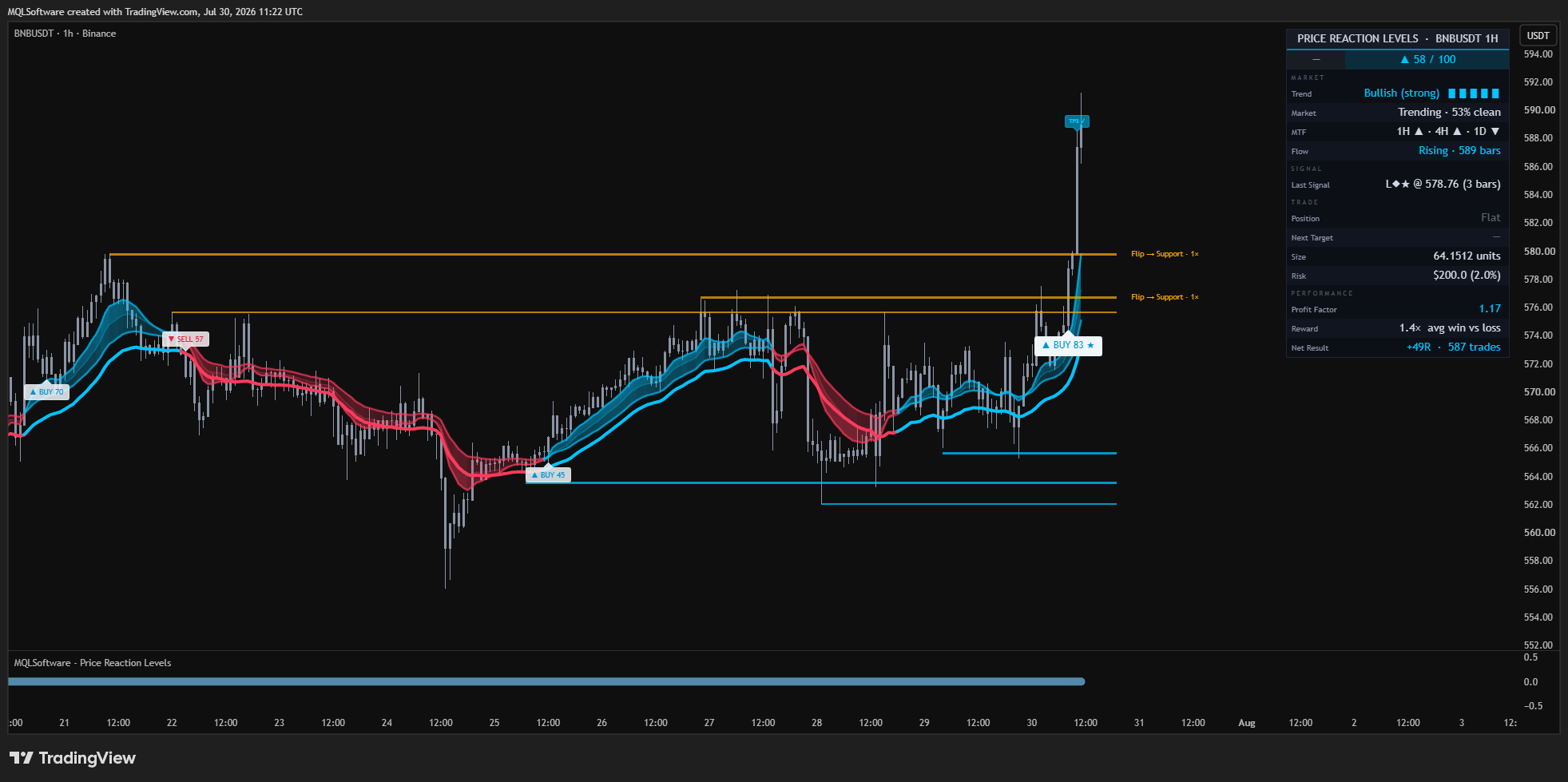
Price Reaction Levels maps horizontal reaction structure, waits for two independent trend engines to agree and turns each accepted setup into entry, structural invalidation and staged targets.
What the product actually does
Read the mechanism.
Then judge the fit.
Levels have a lifecycle.
A level is created only after a pivot is confirmed. Nearby levels merge instead of crowding the chart; a broken level can flip role once, and repeatedly tested structure is marked as weakened rather than presented as permanently strong.
- Confirmed pivots anchor the structure
- Test counts stay visible
- Role flips are explicit
- Over-tested levels are labelled weak
Trend needs two votes.
An efficiency-adaptive ribbon and a one-directional adaptive trail vote independently. The trend state changes only when they agree; disagreement holds the previous state instead of manufacturing another flip.
- Adaptive response to clean and choppy movement
- Agreement before state change
- Higher-timeframe context uses closed bars
- Market regime remains visible
A setup arrives as a plan.
Accepted Level Reaction, Trend Flip and Ribbon Pullback setups are graded and drawn with the structural reason for the trade: entry, invalidation and staged targets. Lower-quality candidates never reach the chart when they fail the configured gate.
- Named signal family
- 0–100 evidence-led grade
- Entry and structural stop
- Three staged targets
A disciplined first pass
Three steps.
No theatre.
- Read
Start with the nearest active reaction level and the regime row.
- Wait
Let a confirmed setup pass the quality and higher-timeframe gates.
- Plan
Use the drawn entry, structural invalidation and targets as a decision framework.
Claim boundary
What we can prove—and what we do not imply.
Repository audit: PASS. Signals and level events are gated by confirmed bars; higher-timeframe values use the closed-bar offset pattern. Pivot confirmation creates an intentional delay—it is not hidden.
TradingView + MetaTrader · Client Area · Updates & support