
Learn · Product guides
Understand the system before you ask it for a decision.
This library explains what each Pro Suite system is for, how platform access works and where the limits of each claim sit. It is written for careful evaluation—not to manufacture urgency.
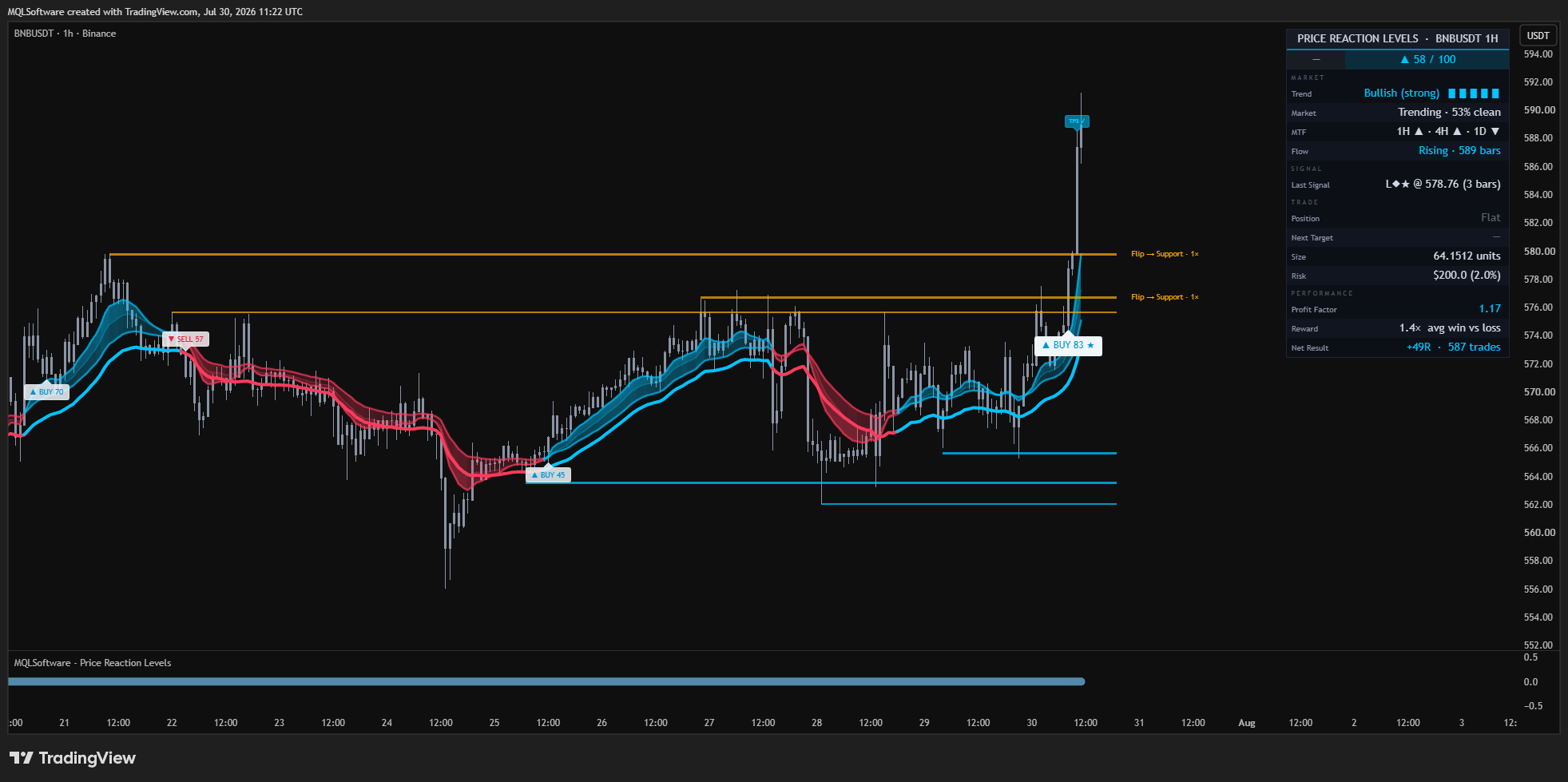
What the product actually does
Read the mechanism.
Then judge the fit.
Choose by market question.
Price Reaction Levels is the levels-and-planning system. DisruptNEX focuses on regime and intraday pressure. PRO Swing focuses on higher-timeframe structure and risk planning.
- Levels and planning
- Intraday regime and pressure
- Swing structure and sizing
- Different jobs—not duplicate skins
Check the integrity claim.
Read what confirmed-bar behaviour means, where the repository contains a formal audit and where a claim is based on documented release behaviour rather than a cross-platform parity harness.
- Signals versus live visuals
- Higher-timeframe handling
- Pivot confirmation delay
- Product-specific evidence
Know the path after checkout.
TradingView activation, MetaTrader downloads, manuals, billing and support all live in the membership layer. The guide exists so the purchase path does not have to carry every operational detail.
- TradingView activation
- MetaTrader downloads
- Client Area access
- Support and updates
A disciplined first pass
Three steps.
No theatre.
- Explore
Open the guide closest to your current question.
- Compare
Use the related links to understand the adjacent system.
- Decide
Return to the Pro Suite commercial surface only when the fit is clear.
Claim boundary
What we can prove—and what we do not imply.
This hub does not reproduce generic articles from mqlsoftware.info. Its purpose is unique, product-specific explanation and evidence.
TradingView + MetaTrader · Client Area · Updates & support